Webex AI 3.0
Catch up and take the next step in Webex
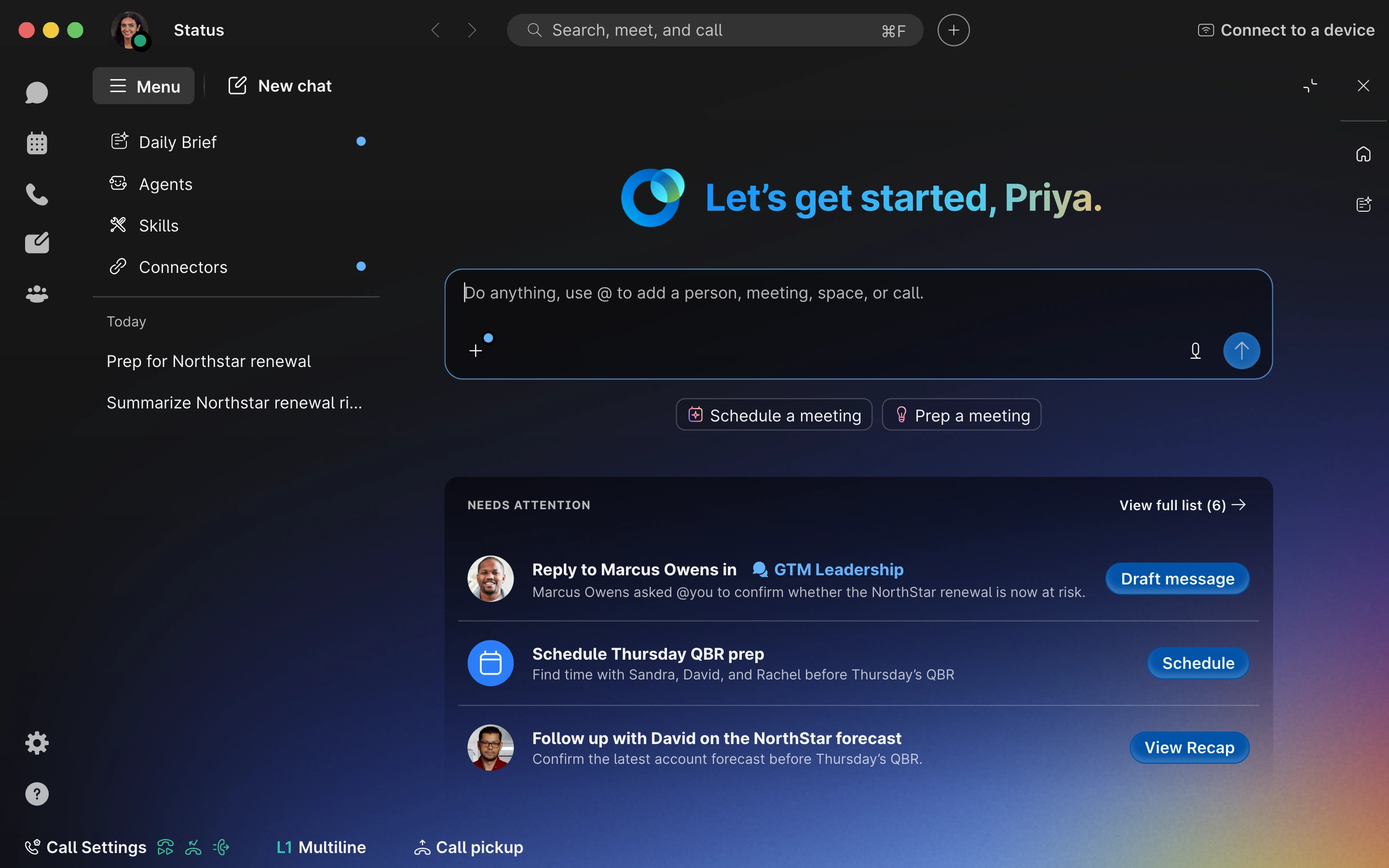
See what needs your attention at a glance, then bring related meetings, messages, and people into your AI chat.


Scroll to open the laptop Scroll or press ↓ to open the laptop
Get ready for the next meeting
Sit down at your computer and see what needs following up today. Pick a meeting to get ready for, then ask AI as you reply to messages or join a call.
See what’s on your list today
Needs Attention gives you a preview on the home screen. Open “View full list” to see everything still on your list, or ask AI to draft a reply to a message.
Pick a meeting and get ready
Select “Prep a meeting” on the home screen and choose an upcoming meeting. AI pulls the attendees, agenda, and background into one brief.
Ask AI in a message or meeting
Click Ask AI in the lower-right corner of the message space. The panel opens on the right, where you can ask about the current conversation.
Onstage at WebexOne 2026
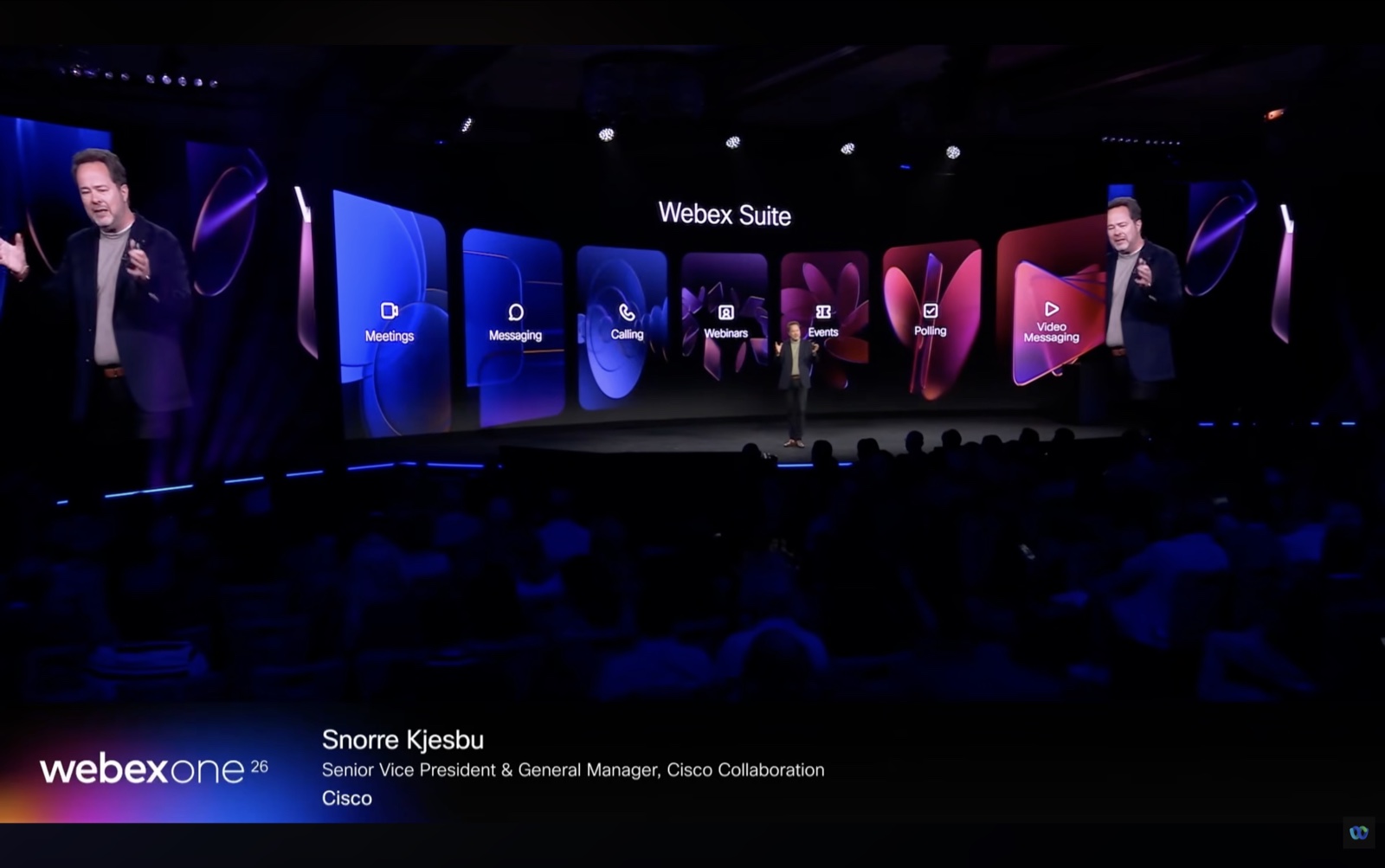
WebexOne 2026 took place October 5–8 at Fairmont Austin in Texas. The Webex AI 3.0 prototype was demonstrated live during the opening keynote on October 7.


Taking turns to build one prototype
The project remains an interactive prototype. Product implementation was planned and is still incomplete.